
Your spending, made clear.
Log what comes in and what goes out, split your income across four buckets, and see each month exactly where your money went.
Free for a week, no card needed. On the web and iPhone.
Take a look inside
Swipe through the screens you'll use every day.
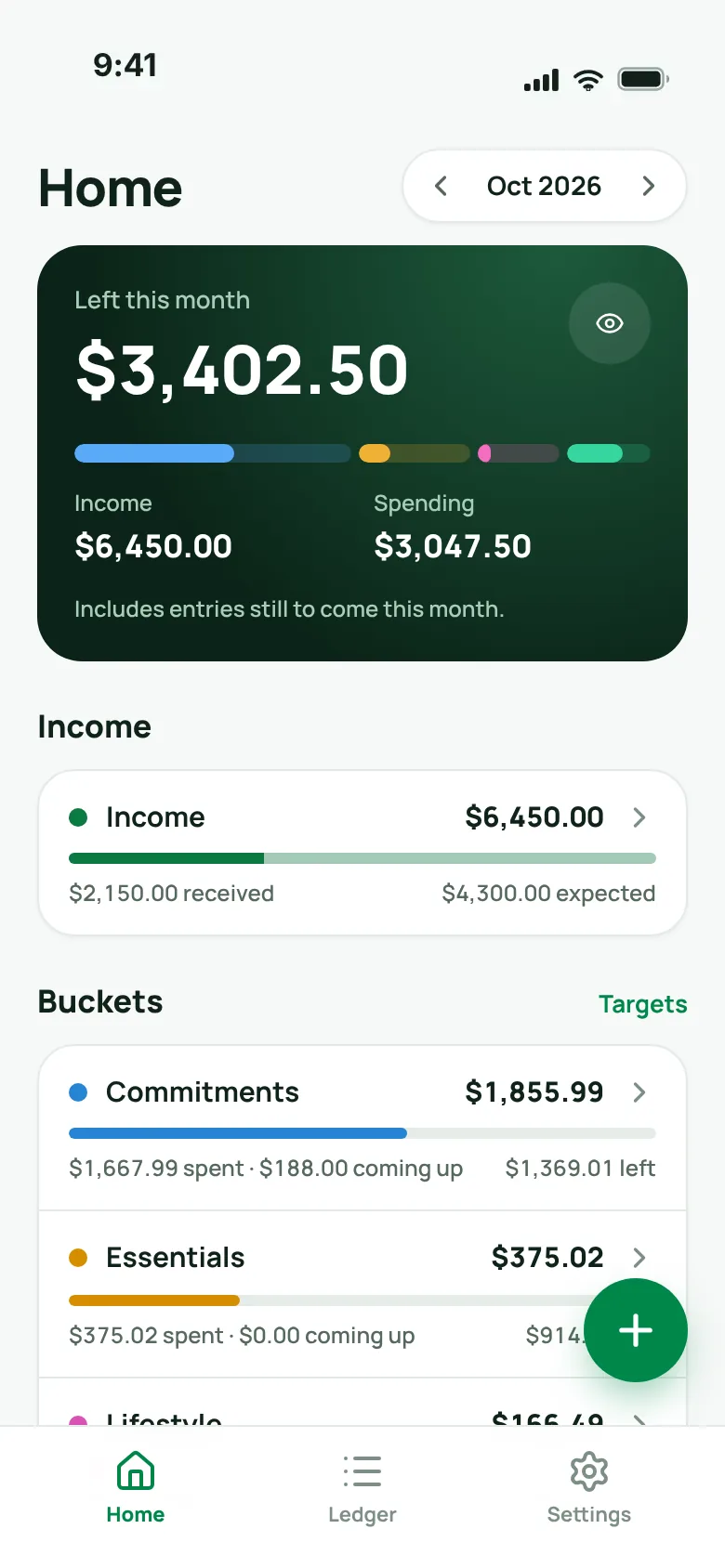
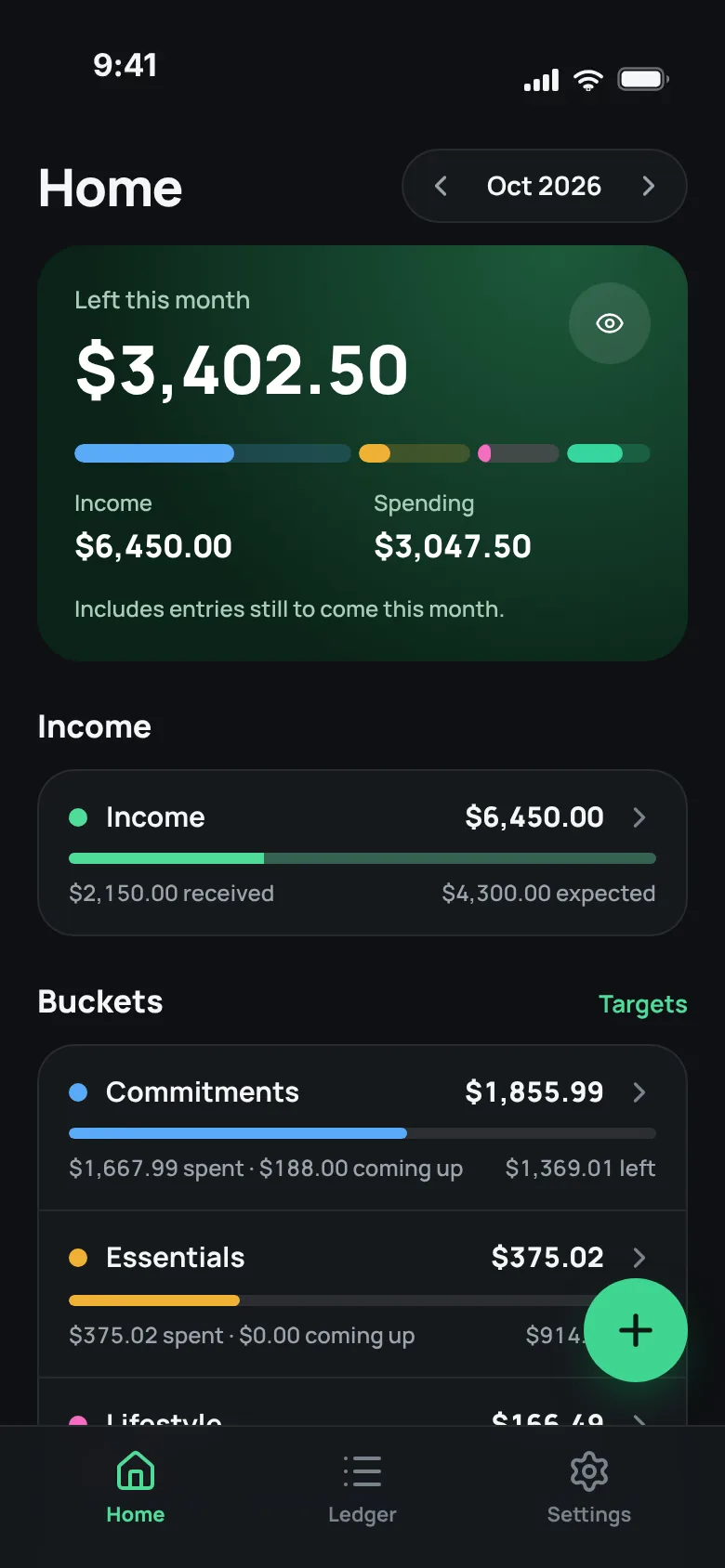
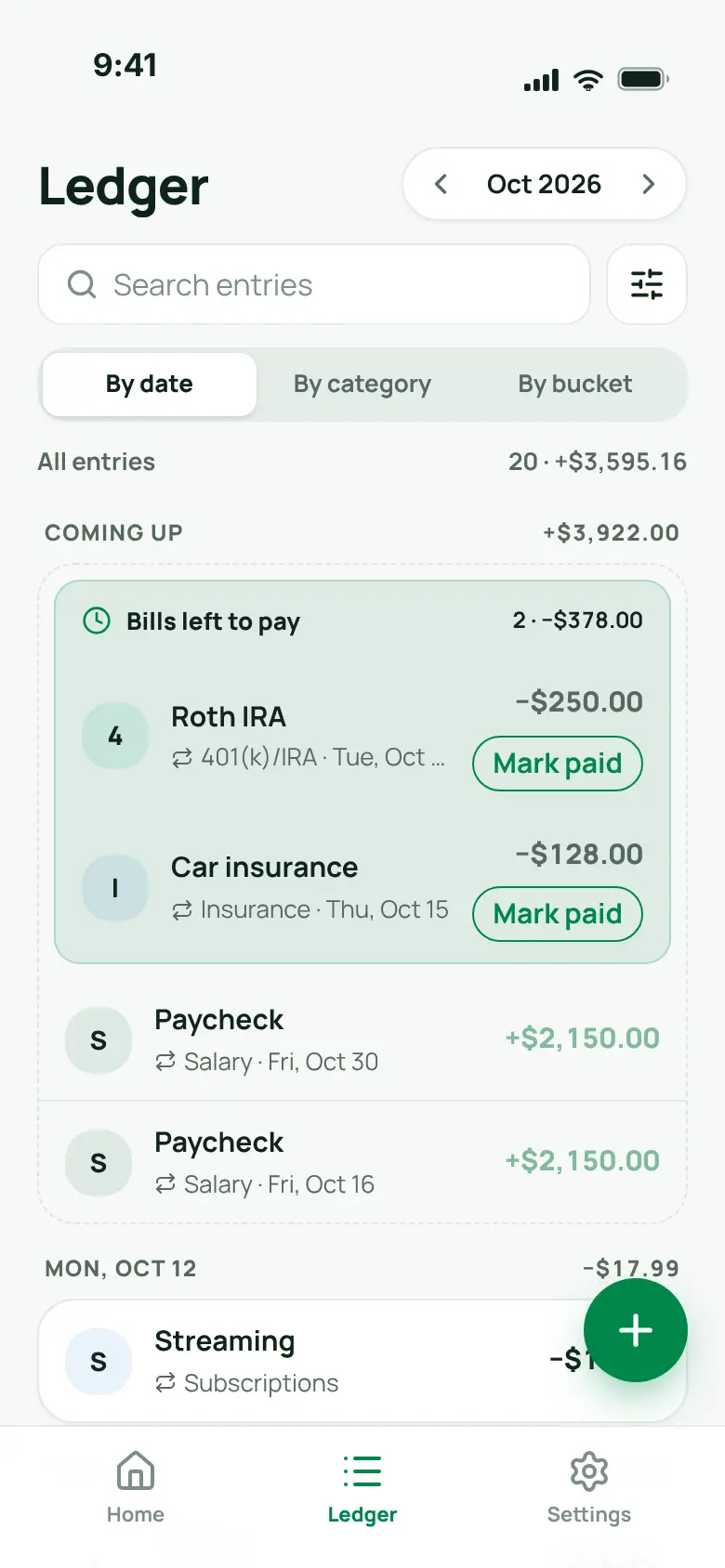
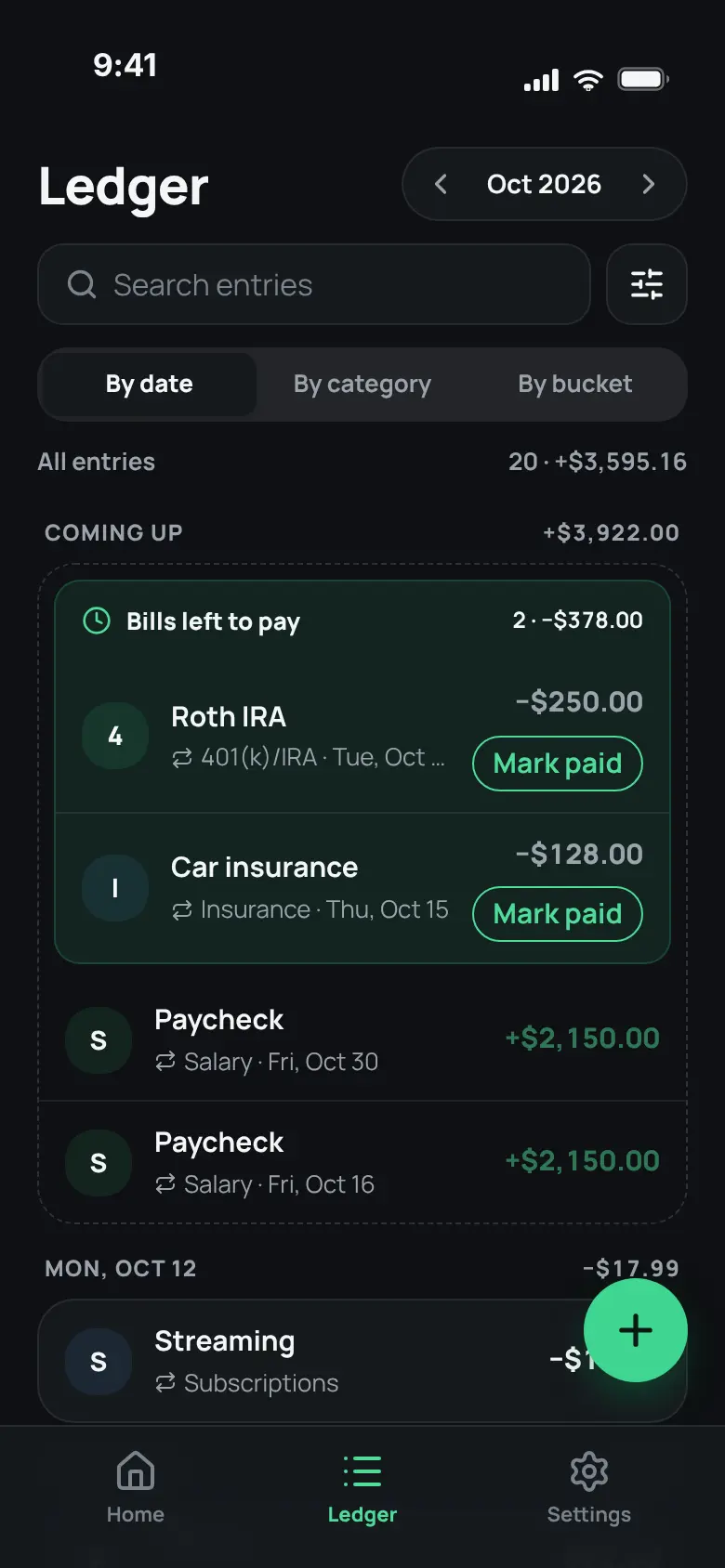
Six ways to log in seconds
Kipi doesn't link to your bank, so you notice every purchase as it happens. Logging one takes a few seconds, because Kipi fills in the rest.
Use again
Your usual entries sit one tap away: coffee, groceries, the weekly gym class.
It knows the category
Type “Lidl” and Kipi picks Groceries, from what you logged before.
Log an Apple Pay tap
Pay with your iPhone and Kipi opens with the amount and shop filled in. You tap Save.
Just tell your AI
Say “Add 18.40 for lunch yesterday” to Claude, ChatGPT or Gemini, or send a photo of the receipt. ChatGPT needs a paid plan.
Payday and bills, on repeat
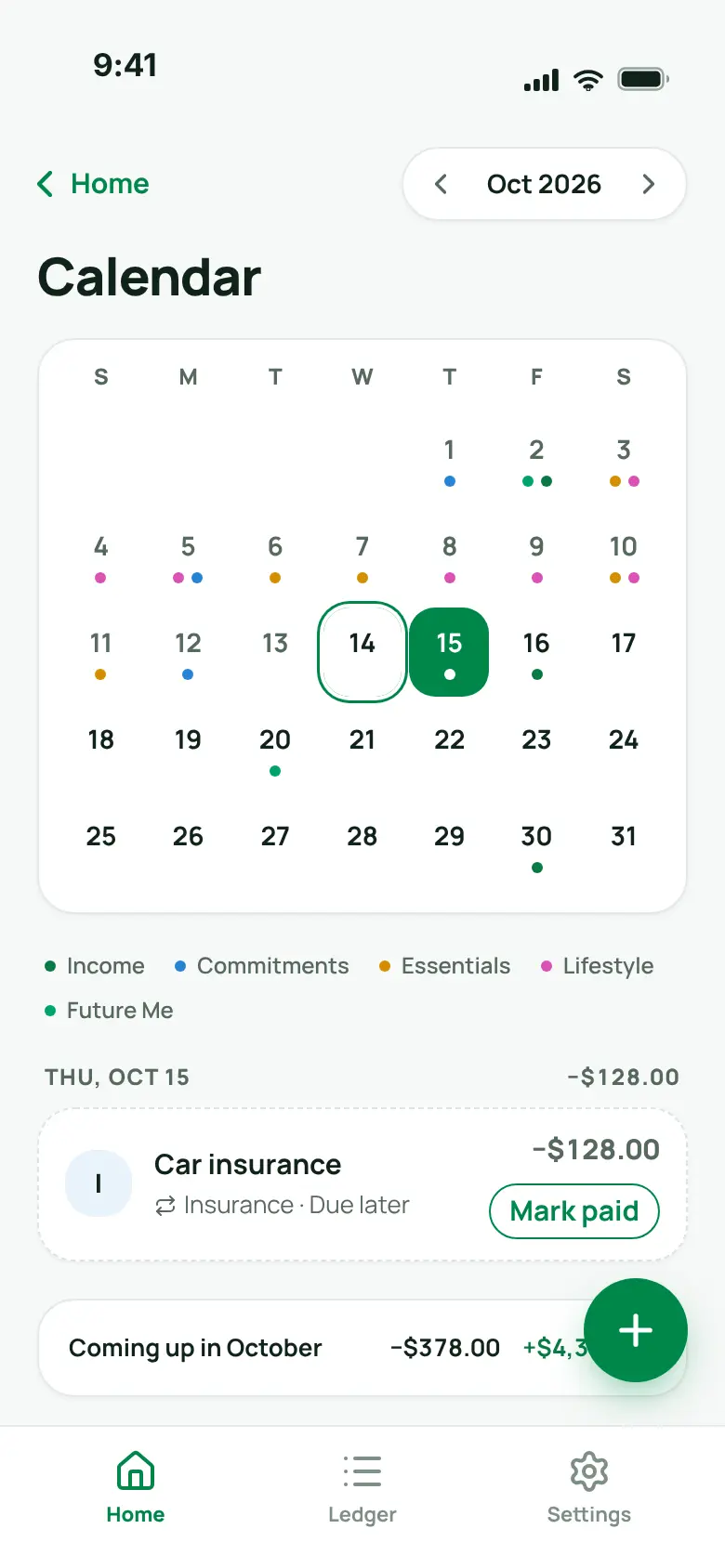
Income adds itself on payday. Bills wait in Bills left to pay until you mark them paid.
A nudge each day
On iPhone, a daily reminder at the time you pick, so nothing slips.
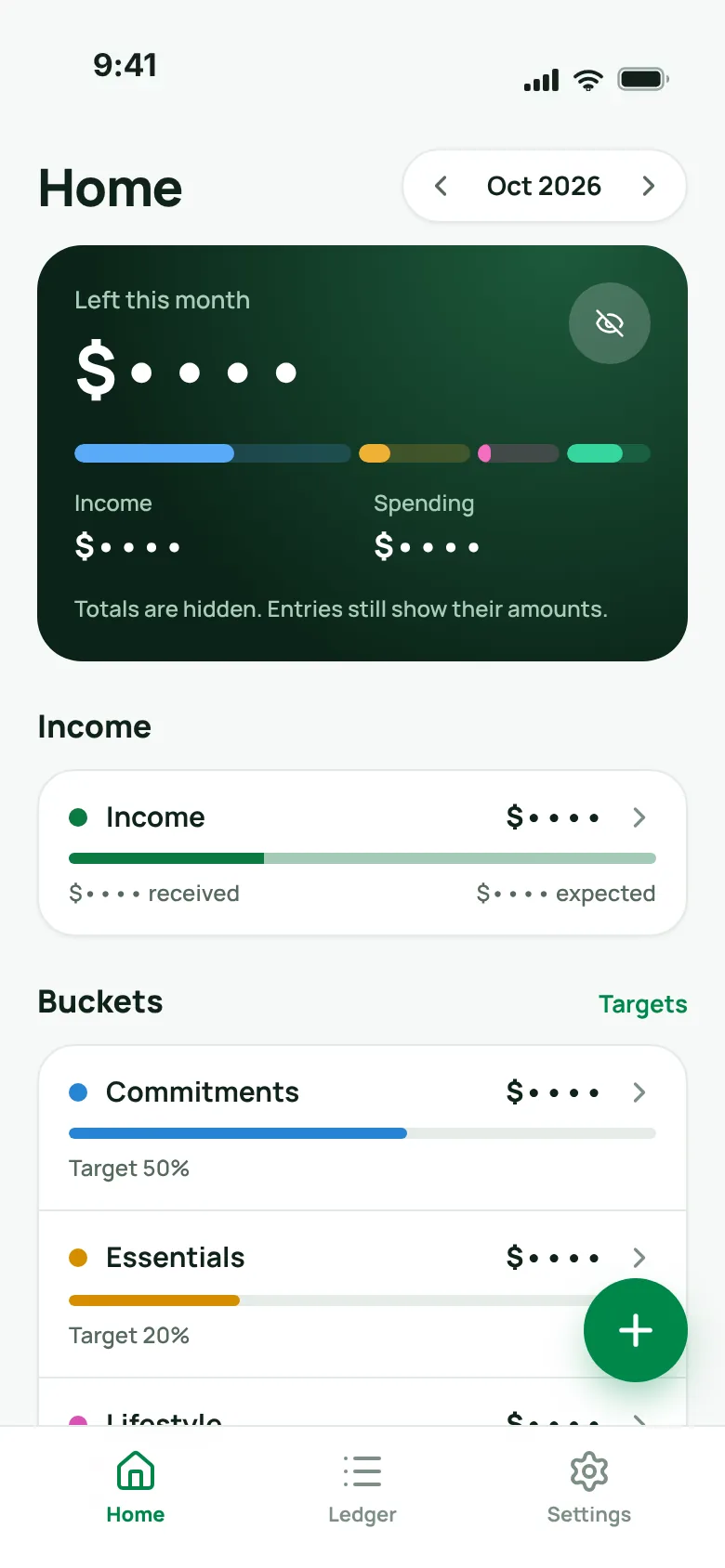
Four buckets. One clear picture.
Decide how much of your income goes where, then watch each bucket fill up as the month goes on. Rename them to whatever makes sense to you.
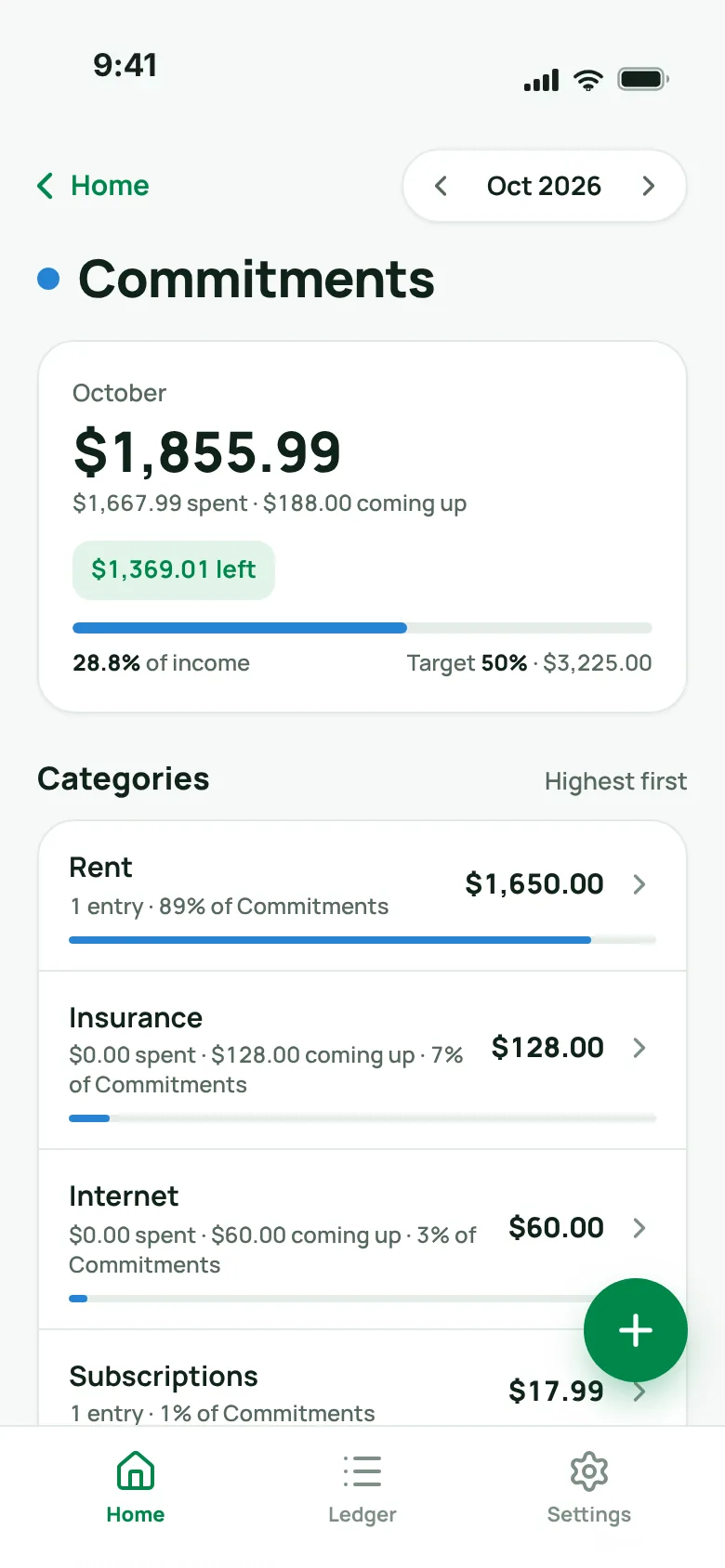
Commitments
Commitments you can count on: rent, utilities, insurance, subscriptions.
Essentials
Essentials that change month to month: groceries, fuel, healthcare.
Lifestyle
The fun stuff: eating out, shopping, hobbies, travel.
Future Me
What you set aside: savings, an emergency fund, paying down debt.
How it works
Set your targets
Choose what share of your income each bucket should get. Change them for a single month whenever life changes.
Log as you go
Add what you spend as it happens. It takes a few seconds.
See where it went
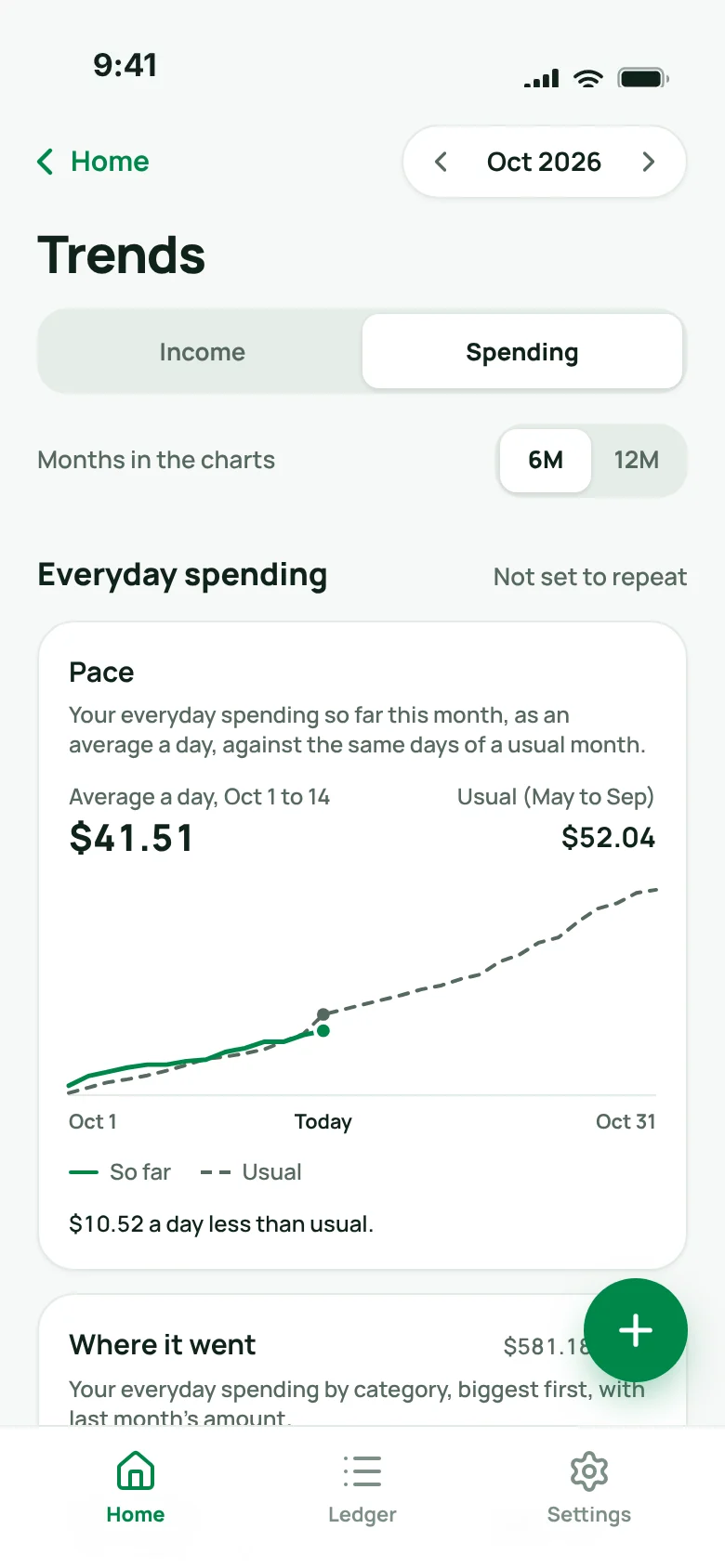
Tap a bucket to see its categories, then a category to see every purchase. Trends shows how this month compares with a usual one.
The little things
Your currency
Use your own currency.
On your iPhone and the web
Your budget is saved to your account and follows you from phone to laptop.
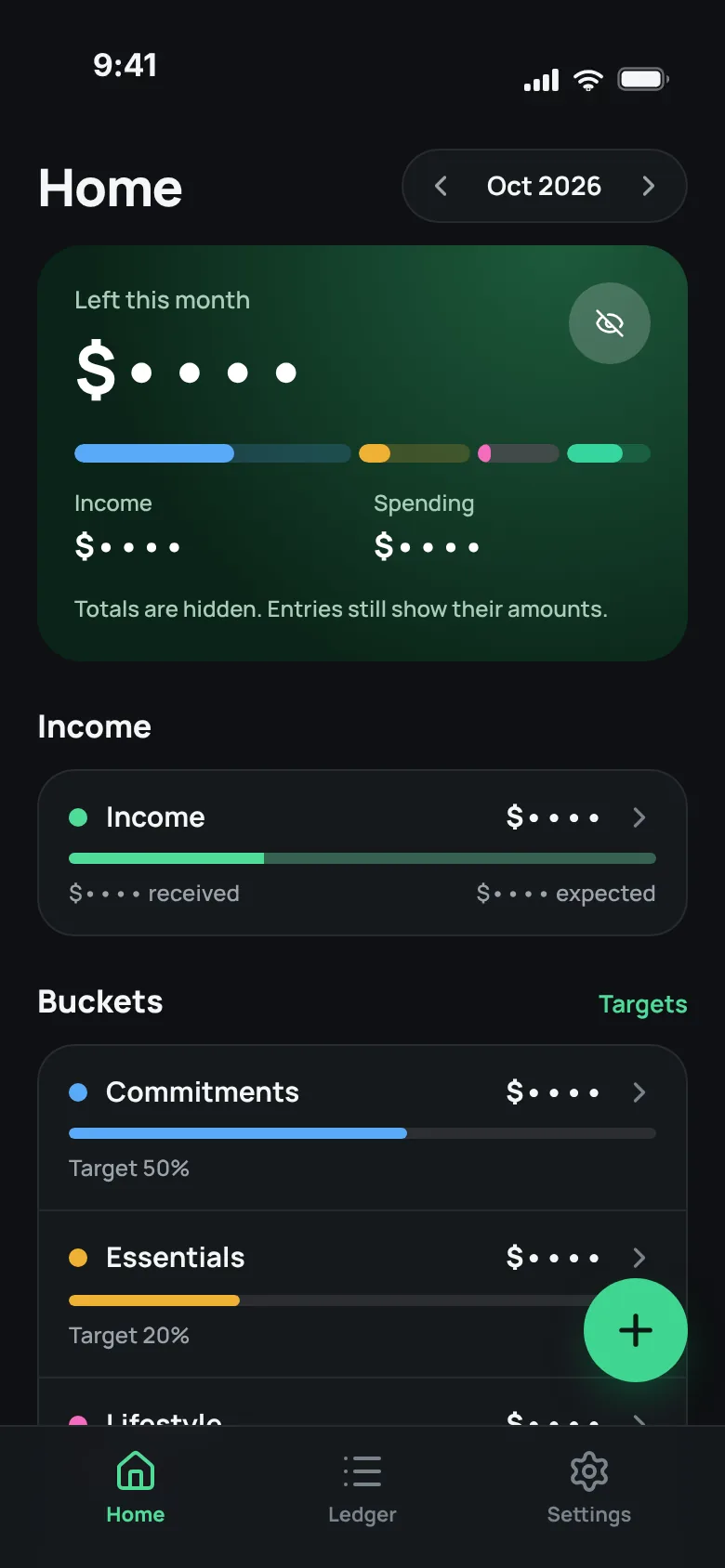
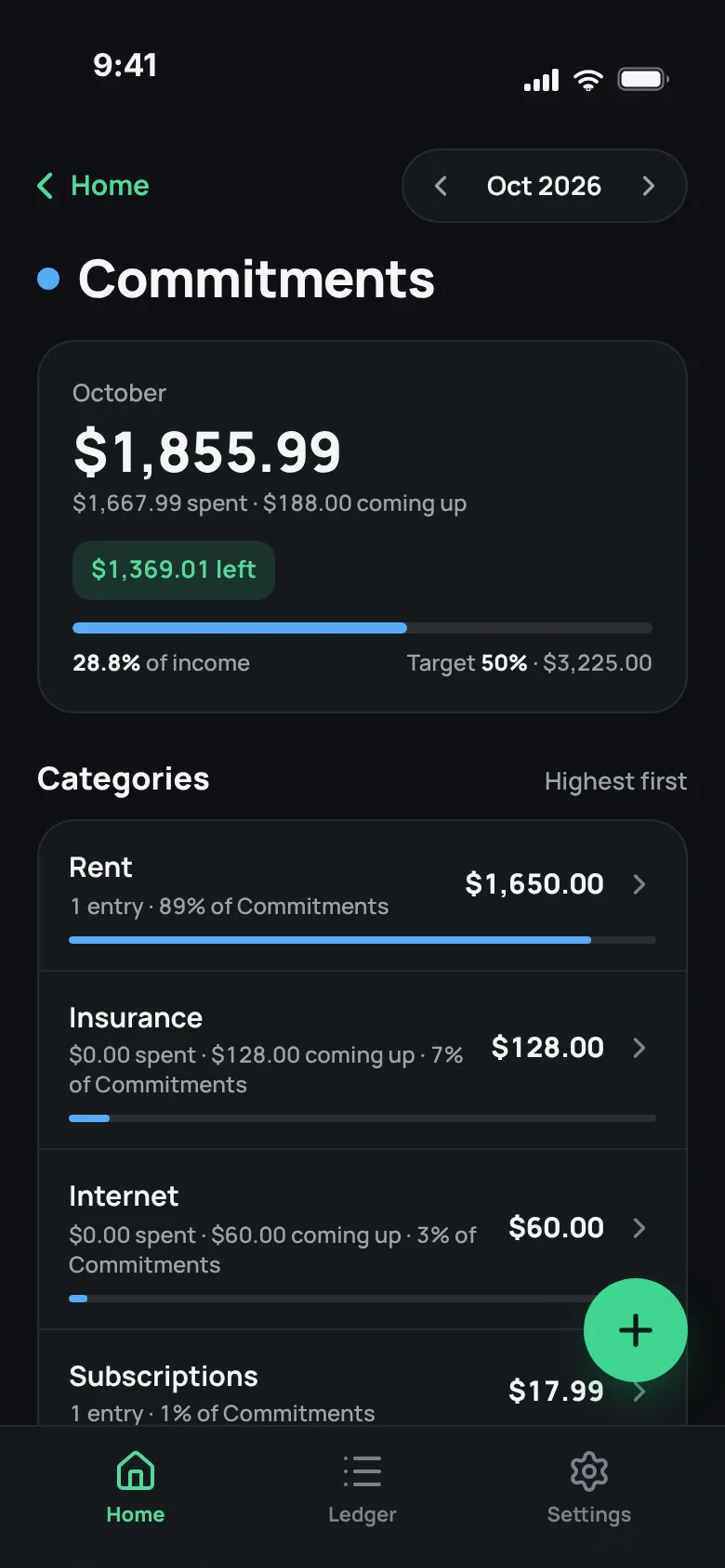
Light and dark
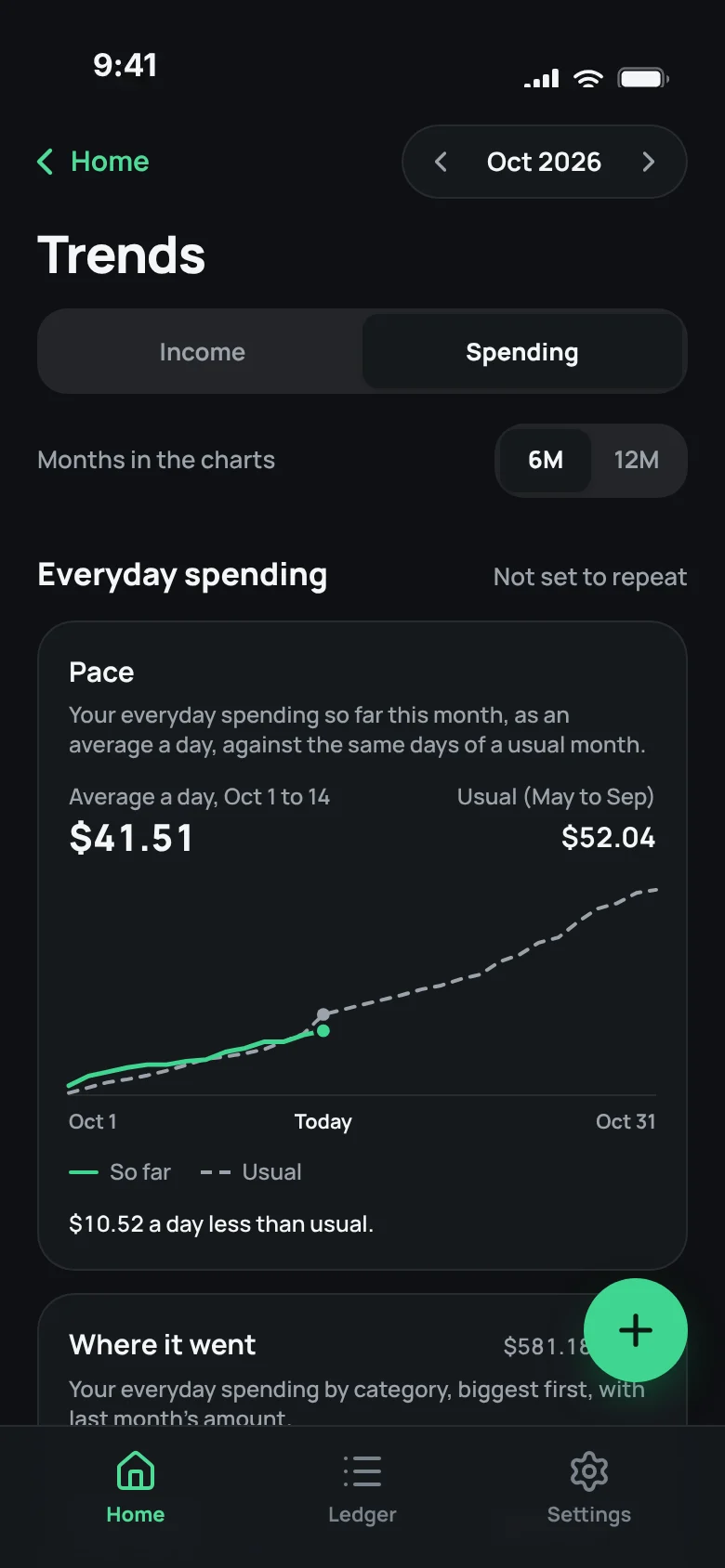
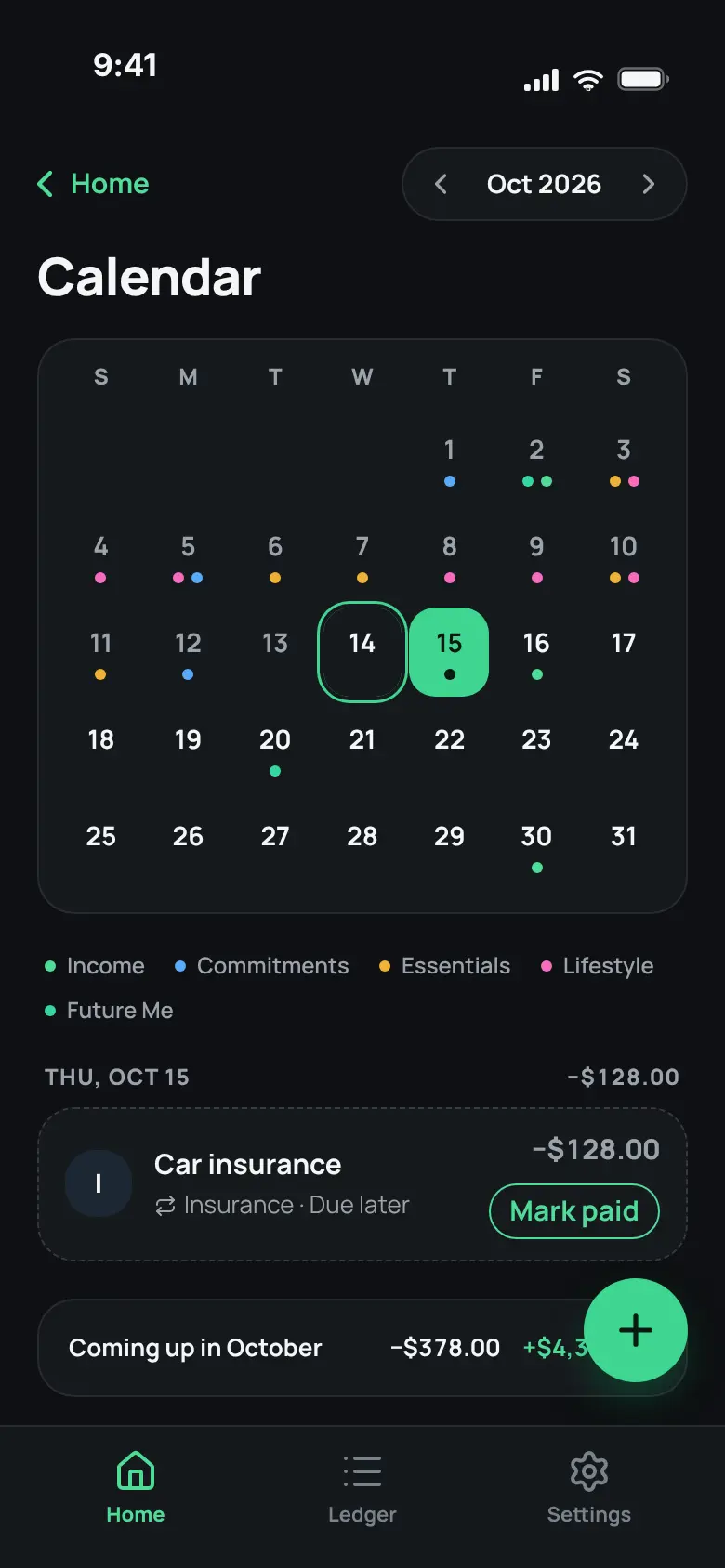
Easy on the eyes any time of day, and it follows your phone's setting.
Face ID lock
On iPhone, Kipi can ask for Face ID when it opens, so your numbers stay yours.
Your own categories
Start with ready-made ones, then add, rename, merge or move them to another bucket.
Simple pricing
Your first week is free, with no card and nothing to cancel. Keep going with Premium only if you want to.
- First 7 daysFreeEverything in Kipi. Just create an account: no card, no subscription.
- After that, if you want to keep adding entries$2.99a month · €2.99 in the EUKipi Premium. You choose it in Kipi, and you can cancel anytime.
Nothing is charged when the week ends. Without Premium, everything you've logged stays yours to view, edit and delete.
Prices include VAT where it applies; local taxes may be added at checkout. Website payments are handled by Paddle. Refund policy · Terms
Questions
Does Kipi connect to my bank?
No. Kipi never asks for your bank login and can't see your bank account. You add each entry yourself, and Kipi makes that quick.
Why would I log my spending myself?
Because you notice every purchase as it happens, instead of finding out at the end of the month. Your usual entries are one tap away, Kipi suggests the category, and you can add from Apple Pay or your AI app.
How much does Kipi cost?
The first 7 days are free, with no card needed. After that, Kipi Premium is $2.99 a month (€2.99 in the EU) if you want to keep adding entries. Nothing is charged when the week ends, and everything you've logged stays yours to view, edit and delete.
Does Kipi work on Android or a computer?
Yes. Open kipibudget.com in any browser on an Android phone, tablet or computer, and install it as a web app so it opens from your home screen or dock like any other app. On iPhone there's the Kipi app. It's one account, so your budget follows you everywhere.
What are the four buckets?
Commitments (rent, bills, subscriptions), Essentials (groceries, fuel, healthcare), Lifestyle (eating out, shopping, travel) and Future Me (savings, an emergency fund, paying down debt). You choose what share of your income each one gets, and you can rename them.
Can I add entries with ChatGPT, Claude or Gemini?
Yes. Connect Kipi once, then say something like “Add 18.40 for lunch yesterday” or send a photo of a receipt. ChatGPT needs a paid plan.
Can I use my own currency?
Yes. Pick your currency in Settings and every amount shows in it.
Who can see my budget?
Only you. Your budget is saved to your account and sent over encrypted connections. Kipi doesn't sell your data or use it for advertising.